How to Download Instagram Stories (Public Accounts Only)
Stories disappear after 24 hours. Learn how to save the ones that matter — safely, and only from public accounts.
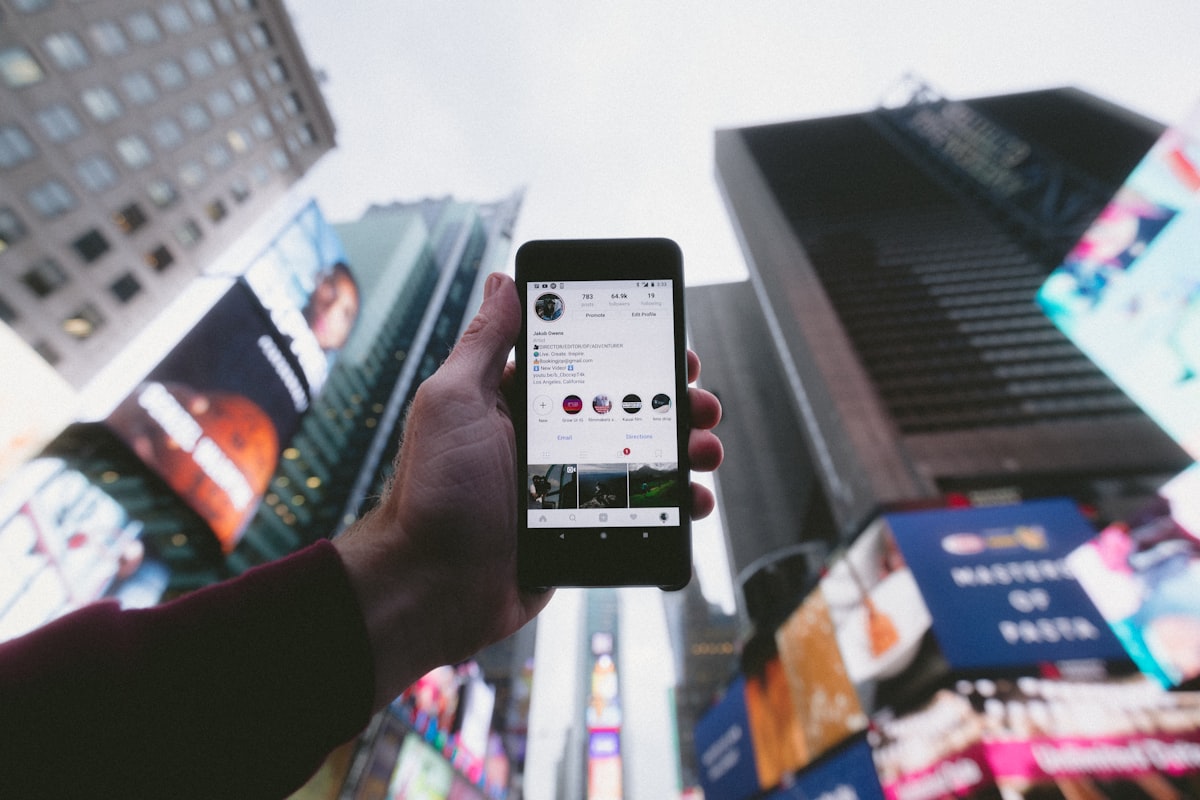
Instagram Stories vanish after 24 hours. If you’ve ever wanted to keep a memorable clip from a friend’s trip or a brand’s launch teaser, downloading Stories is the answer — as long as the account is public.
Public vs Private Stories
Only public accounts can be saved through InstaSave Pro. Private accounts require follower approval to view Stories in the first place, and we do not bypass Instagram’s privacy settings.
Step-by-Step: Save a Public Story
- Open the public profile whose Story you want to save.
- Tap the profile picture and copy the Story URL from the address bar (or share menu).
- Paste the URL into InstaSave Pro.
- Wait a few seconds for the preview to appear.
- Choose the download button — Stories are typically single images or short videos.
Story Highlights
Highlights work the same way but never expire. Paste the highlight URL and the tool will fetch every clip in that highlight.
Ethical Considerations
Even though a Story is public, that doesn’t give you permission to reshare it. Save Stories for personal reference only and reach out to the creator before republishing.
Conclusion
Public Stories can be saved in seconds with InstaSave Pro. Always respect the person behind the account and stay within Instagram’s Terms of Service.